![Logo_PEAX_RGB (1).svg]](https://crm.peax.ch/hubfs/Logo_PEAX_RGB%20(1).svg)
When you receive an invitation via email, you can use the link provided to register directly and join the corresponding business account.
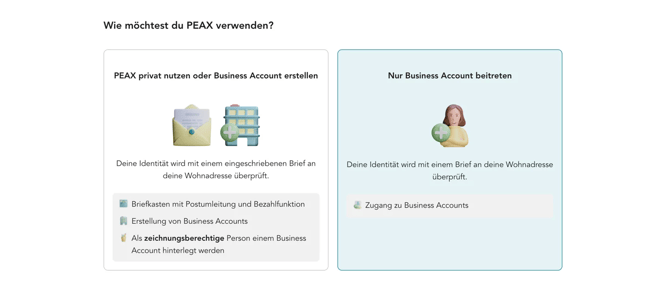
To register with PEAX, you must first provide your private residential address and a personal, active email address. This applies regardless of whether you intend to use PEAX for private or business purposes.
We require your private residential address because we need it to securely deliver your activation code and for all postal processes. This ensures that only you, as the authorized recipient, have access to your account and that all PEAX functions can be used in accordance with legal data protection requirements. Your address is therefore used both for identification purposes and to protect your personal data in digital and physical postal correspondence.
Here is a step-by-step guide to registering:
1. Register with PEAX using your personal email address and private residential address.
2. Complete the registration process (approx. 2 minutes).
3. Verify your account via the confirmation link in the email.
4. After verification, you will receive an activation code by post. For data protection reasons, this will be delivered physically.
5. Enter the activation code in the dashboard to finally activate your account.